PandaDoc Review 2026: Revolutionizing Document Automation
By The Insight Grid Content Team | April 22, 2026
In the fast-paced business environment of 2026, the humble document has undergone a radical transformation. No longer just static pieces of paper or flat PDFs, documents have become interactive, data-driven experiences. PandaDoc is at the forefront of this revolution, providing an all-in-one platform for creating, managing, and e-signing proposals, quotes, and contracts. In this review, we’ll explore how PandaDoc is helping teams close deals faster by eliminating the friction of traditional document workflows.
Introduction: The End of the "Dumb" PDF
For decades, the standard way to close a deal was to send a PDF, wait for the client to print it, sign it, scan it, and send it back. Even early e-signature tools only solved half the problem—the document itself was still static and disconnected from the rest of the business data. PandaDoc changed the game by introducing "smart" documents that are built in the browser and integrated with your CRM.
By 2026, PandaDoc has leaned heavily into AI to automate the most tedious parts of contract management. From "AI Redlining" that identifies risky clauses to "Dynamic Pricing Tables" that update in real-time, the platform is designed to make the sales process as smooth as possible. In this review, we will dissect why PandaDoc has become the industry standard for modern sales and legal teams.
Tool Overview: What is PandaDoc?
PandaDoc is a document automation platform that streamlines the entire document lifecycle. It’s not just an e-signature tool; it’s a creation engine. It allows teams to build professional, brand-consistent documents using a drag-and-drop editor that feels more like a modern website builder than a word processor.
The platform is built on four core pillars in 2026:
- Creation: A library of 1000+ templates with dynamic content blocks.
- Engagement Tracking: Real-time alerts when a prospect opens your document and analytics on how much time they spent on each page.
- E-Signature: Secure, legally binding signatures that comply with global standards.
- Payments: Integrated payment gateways (Stripe, PayPal) that allow you to collect deposits or full payments the moment a document is signed.
Key Features: Intelligence That Closes Deals
PandaDoc’s 2026 feature set is designed to remove every possible hurdle between a proposal and a signed contract.
1. AI-Powered Document Assistant
PandaDoc’s AI assistant now helps you draft the perfect cover letter, suggests the most relevant case studies to include based on your prospect’s industry, and even reviews your contract for "compliance gaps." It ensures that every document you send is professional, persuasive, and legally sound.
2. Interactive CPQ (Configure, Price, Quote)
The 2026 CPQ engine is a game-changer for complex sales. You can drop a pricing table into your proposal that allows the prospect to toggle between different quantities or add-on services. The total price updates instantly, and the contract terms adjust automatically. This eliminates the "back-and-forth" of revised quotes, allowing you to close deals on the first call.
3. Deep CRM Integration
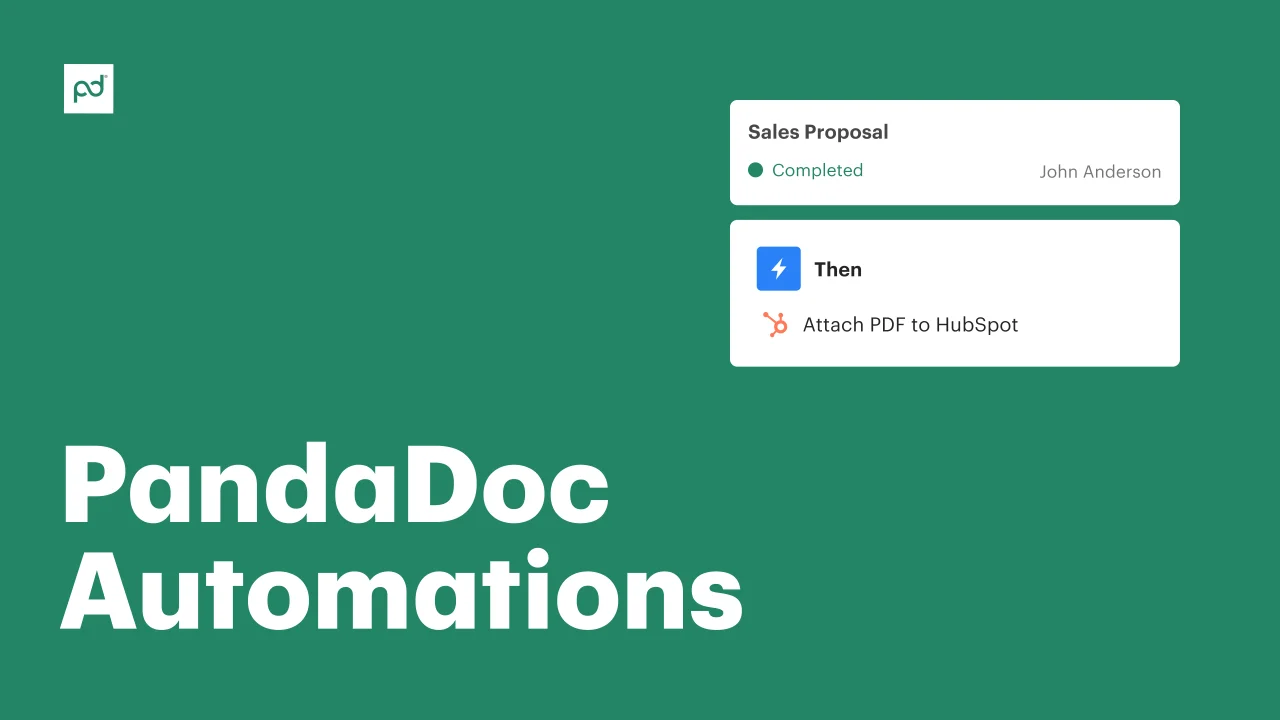
PandaDoc doesn't just "connect" to your CRM; it lives inside it. Whether you use Salesforce, HubSpot, or Zoho, you can generate a complete proposal with a single click, pulling in prospect names, company details, and pricing data directly from your CRM records. This ensures 100% data accuracy and saves hours of manual entry.
Pros and Cons
What We Love
- Design Quality: Documents look stunning and professional on any device.
- Analytics: Knowing exactly which page a prospect is stuck on is invaluable for follow-up.
- Speed: Moves the sales process from days to hours.
- Security: SOC2 Type II compliance and high-level encryption.
Potential Downsides
- Learning Curve: The editor is powerful but takes a bit of time to master.
- Pricing: Can be expensive for very small teams.
- PDF Uploads: While you can upload PDFs, they lose the interactive "smart" features.
Pricing Overview
PandaDoc offers a tiered model. By 2026, they have leaned into "per-document" pricing for some specific enterprise use cases.
| Plan | Price (User/Mo) | Key Feature |
|---|---|---|
| Free eSign | $0 | Unlimited signatures on uploaded documents |
| Essentials | $19 | Editor access, 24/7 support, templates |
| Business | $49 | CRM integrations, content library, custom branding |
| Enterprise | Custom | Salesforce integration, API access, SSO |
Common Use Cases
How are high-performing teams using PandaDoc in 2026?
- SaaS Sales: Generating complex, multi-layered quotes that sync directly with Salesforce opportunities.
- Real Estate: Managing high-volume lease agreements with automated reminders and secure e-signatures.
- HR & Onboarding: Creating a unified document package for new hires that includes tax forms, NDAs, and handbook acknowledgments.
Comparison: PandaDoc vs. DocuSign
DocuSign is the legacy giant in the e-signature space, but it often feels like a utility—a way to sign a "dumb" document. PandaDoc is a productivity tool—a way to create a "smart" document. If you just need a signature once a month, DocuSign is fine. But if you want to optimize your sales process and create a better experience for your clients, PandaDoc is the superior choice.
Final Verdict: The Future of Business Documents
In 2026, PandaDoc has proven that the document is the most important part of the sales funnel. By making documents interactive, integrated, and intelligent, they have solved the "black hole" of the sales cycle. It is an essential tool for any business that wants to move from "sending proposals" to "closing deals."
Our Score: 9.6/10
Frequently Asked Questions
Is PandaDoc legally binding?
Yes, PandaDoc e-signatures are legally binding and compliant with ESIGN, UETA, and global e-IDAS regulations. Every signed document comes with a secure certificate of authenticity.
Can I collect payments through PandaDoc?
Absolutely. PandaDoc integrates with Stripe, Square, and PayPal, allowing you to require payment before the document is considered fully executed.
Can I use my own brand styles?
Yes. PandaDoc allows for full brand customization, including custom fonts, colors, and logos, ensuring that every document you send looks like it came directly from your company.